
Step 1 of 5
Polls
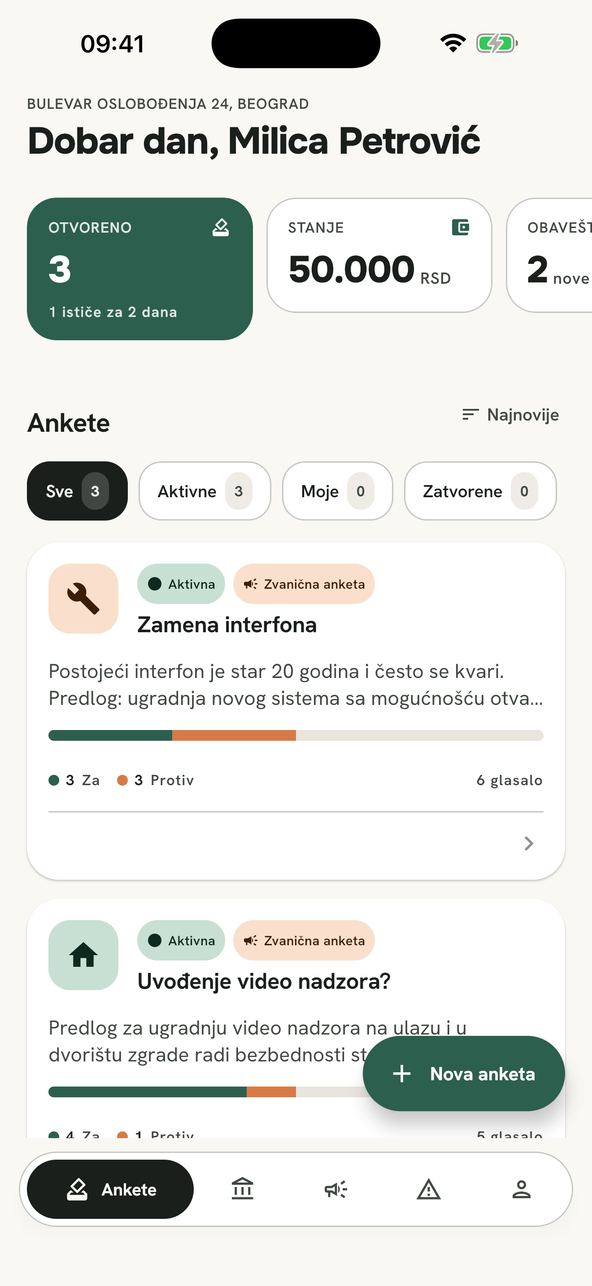
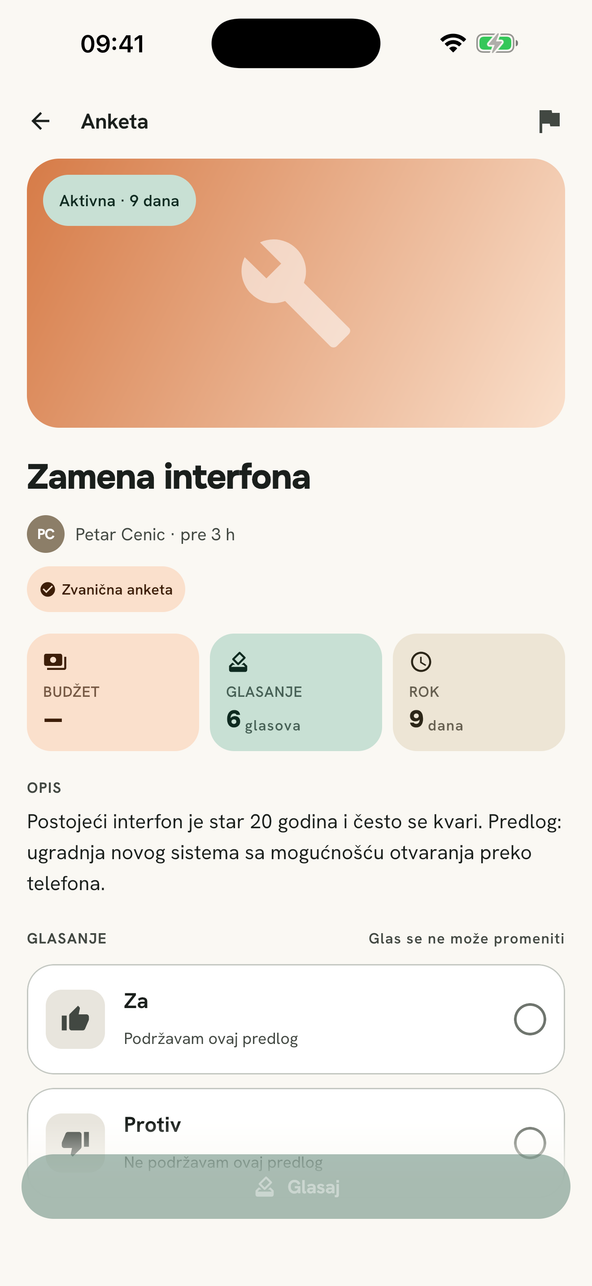
The manager posts a proposal with a deadline. Every flat votes from home — no door-knocking, no signatures.
- A deadline from 3 to 30 days
- One vote per account, and it is final
- Percentages the moment you vote
For residents and building managers
Stanar + brings voting on shared decisions, the building's balance, manager announcements and issue reporting into one place — instead of notices taped to the entrance door and decisions buried in 300 messages.


Without the app
A notice taped up by the lift reaches whoever walks past and remembers. Everyone else finds out once it is over.
The decision gets lost between photos, jokes and a two-hour argument. Tomorrow nobody knows what was agreed.
The manager walks the building in the evening. Half the flats are empty, and the outcome is a sheet of paper in a folder.
Nothing extra — just what residents and the manager already contact each other about every week.
Decisions are made by voting in the app, with a deadline and a clear result. The manager can open a poll where votes stay anonymous to other residents.
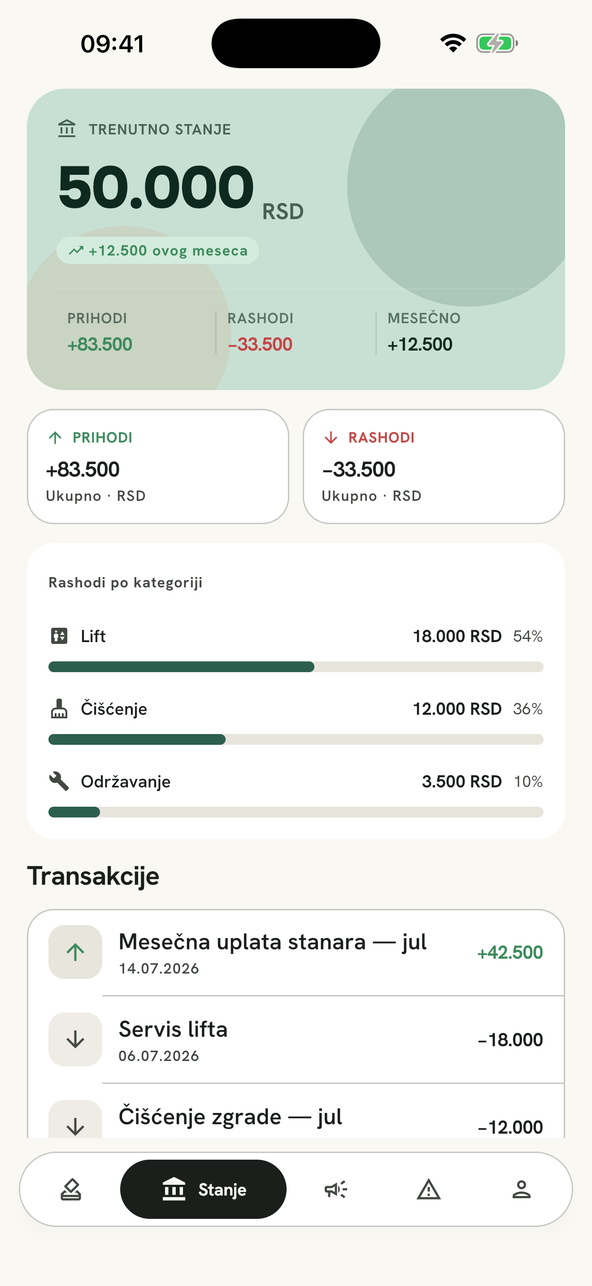
Income and expenses laid out clearly, with a chart and full history. Residents can see where the building's money went at any time.
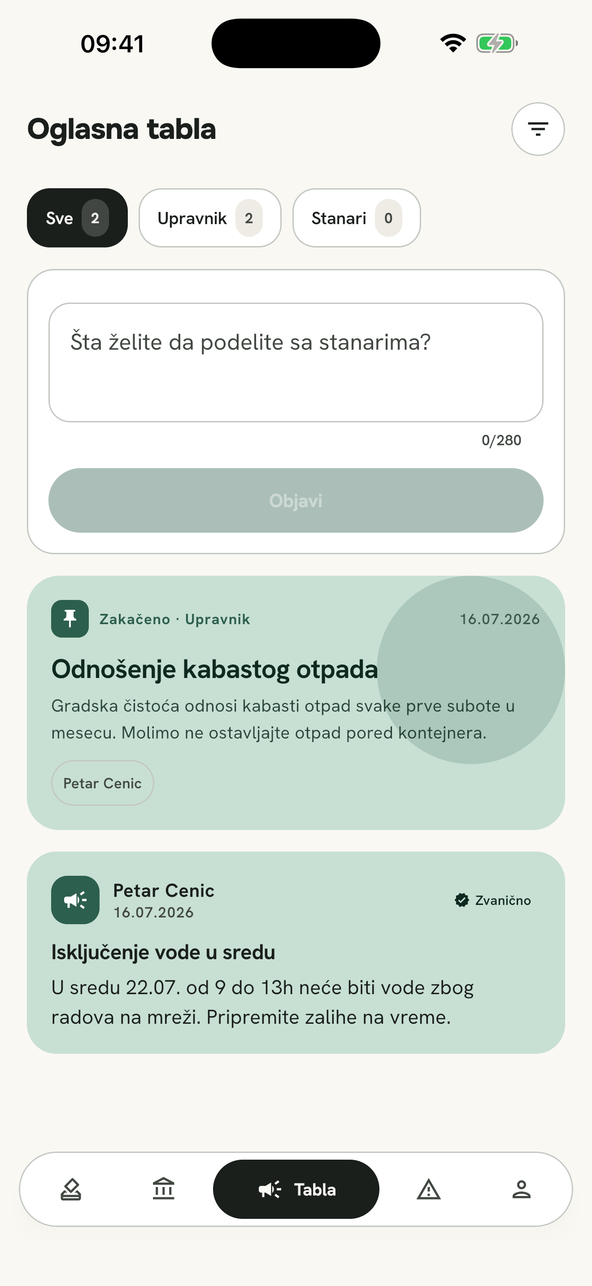
Manager announcements and resident posts in one place, with the latest announcement highlighted at the top. Resident posts are approved by the manager before they become visible.
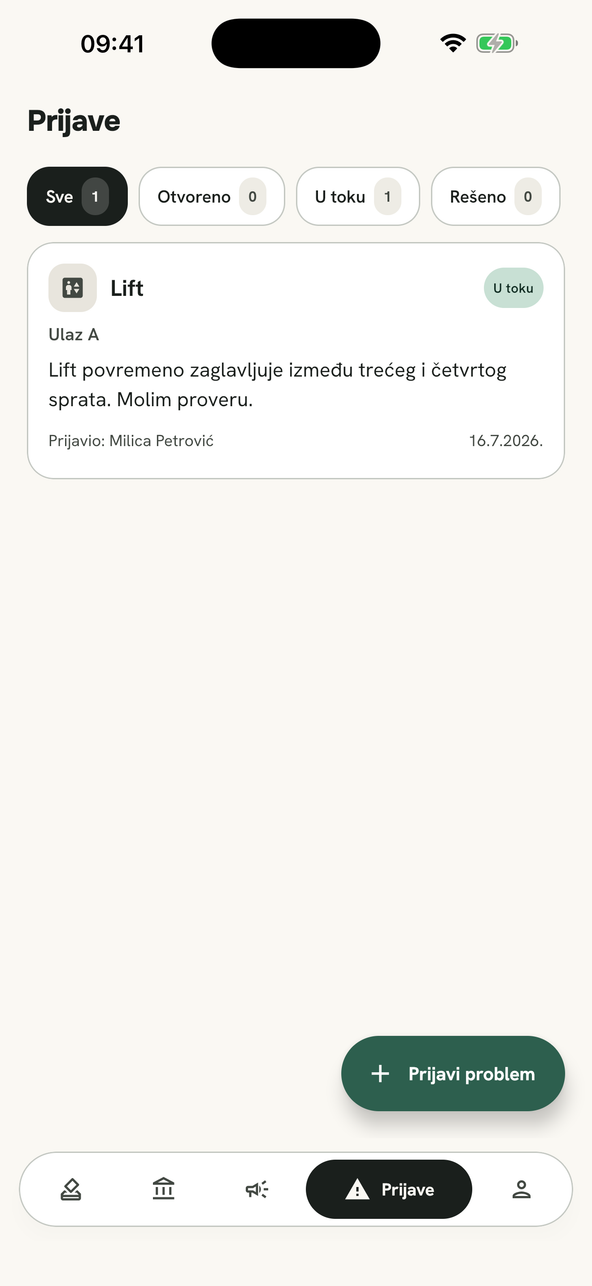
A blown light, a leak, a stuck lift — reported with a photo and a location inside the building, then tracked until it is resolved.
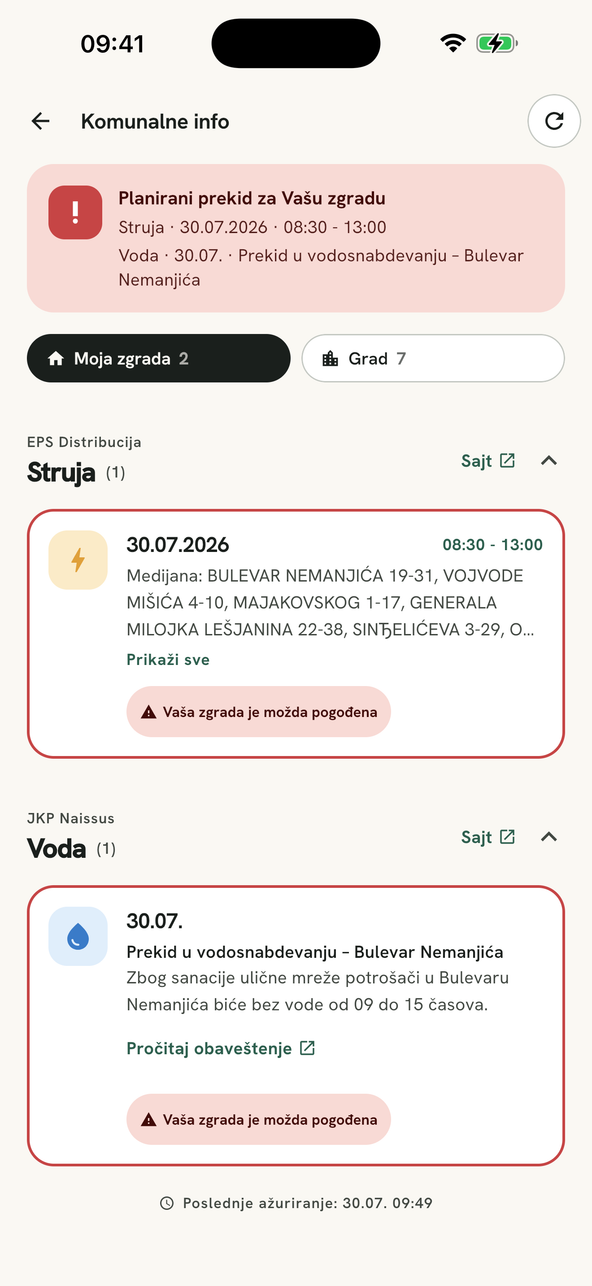
The app tracks the power utility's planned outages and the water utility's service notices, and tells you when they affect your building. We connect the feeds for each city — tell us yours.
The manager posts a proposal with a deadline. Every flat votes from home — no door-knocking, no signatures.
Income and expenses with a chart and full history. Residents can see where the building's money went at any time.
An announcement stands in the app in one place for everyone, with the latest highlighted at the top — not a piece of paper that falls off by tomorrow.
A photo, a location inside the building, and a status tracked until it is resolved.
The app follows the electricity and water utilities' own schedules and flags an outage that concerns your address. We connect the feeds city by city — tell us yours.
Three steps, with nothing to install beyond the app itself.
They enter a name and address, and the app generates a building code.
By entering the code or scanning the QR from the notice in the entrance hall, along with their apartment number.
From that point on, voting, announcements, expenses and issue reports all go through the app.
Stanar+ TV
A sheet of paper by the lift reaches whoever walks past and remembers, and an app is opened by people who are already interested. A building that takes Stanar+ TV gets a screen in its common area where the manager’s notices and upcoming outages stand on their own — seen by everyone who comes in, phone or no phone.
Whatever the manager marks for the entrance hall, plus planned power and water outages for your address — the same sources the app uses.
The screen shows no names, no apartment numbers and no individual votes, and it has no camera, microphone or sensors. Ads are not targeted.
We supply the screen, mount it and maintain it. The building provides a spot in the common area and the electricity.
See what your building is deciding, vote from your phone and report a fault with a photo. All you need is the building code from your manager.
Decisions on record, announcements that actually arrive, and expenses residents can check for themselves.
The building adopts the app by a decision of its assembly and pays for it from its own funds. One vote covers the whole package, and the manager gets the draft decision and the meeting materials from us — no follow-up meetings.
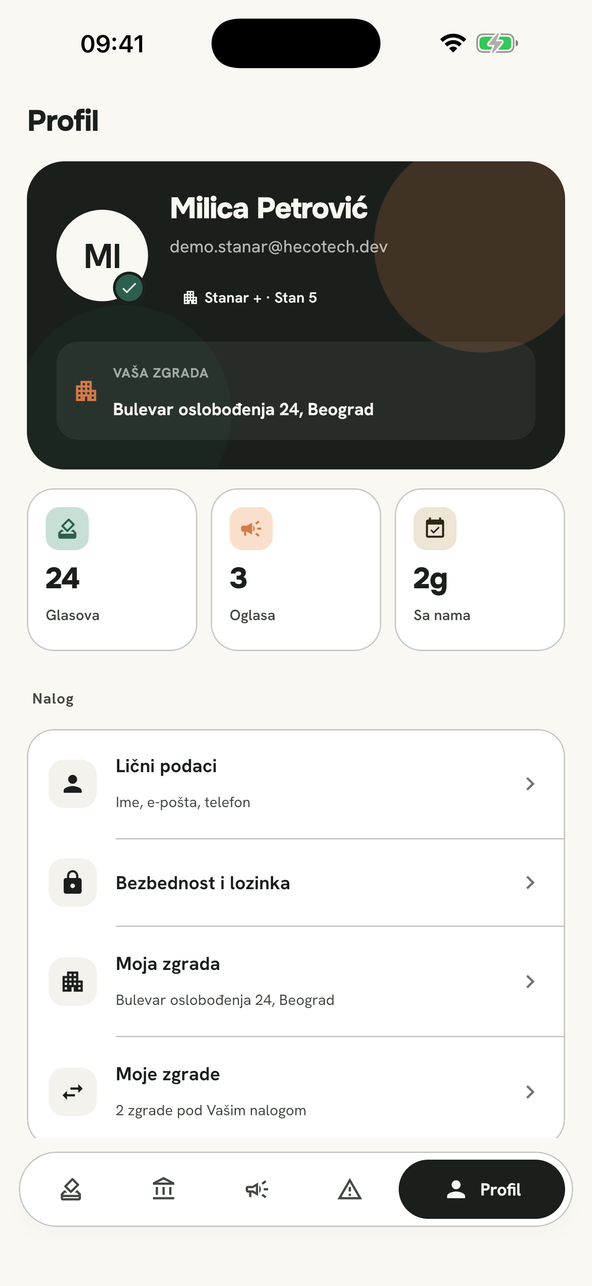
No. Registration uses an email address and a password. A phone number is optional, and only so the manager can call you about an issue you reported.
It depends on the poll. The manager can open a poll where votes are anonymous to other residents. Either way, members of other buildings never see your building's data.
Your account is tied to your email address, not to a device. Sign in on the new phone and everything is there.
In the app, under Profile → Delete account. The full procedure and what exactly gets deleted is on the Account deletion page.
No. The balance view is informational, so residents can follow expenses; official documentation and invoices stay with the manager.
Account request
Fill in your details and the building. We usually reply within two business days with the details and terms for your building.